Microsoft Copilot Training for Employees: What to Cover
· 9 min read · OneRange Research
Copilot rollouts keep growing. Government trials show the gains depend on training. Seven things Microsoft Copilot training for employees should cover.
On October 28, Satya Nadella told investors that the number of customers with more than 50,000 Copilot seats had grown more than eightfold in a year, and that daily users were up more than fivefold. A week earlier, Volkswagen Group said it had equipped more than 330,000 employees with Copilot. In July, Microsoft said it had passed 30 million paid Microsoft 365 Copilot seats.
Buying the licences is the easy part. A company with 200 seats faces the same question as one with 330,000: once Copilot is switched on, what do people need to learn? The most honest answers come from three public-sector trials, because governments publish their evaluations in full, including the parts that did not work.
What the big Copilot trials found
- 26 min — Average time saved per day, as reported by users (UK Government Digital Service, 2025)
- 17% — Users who noticed no clear time saving (UK Government Digital Service, 2025)
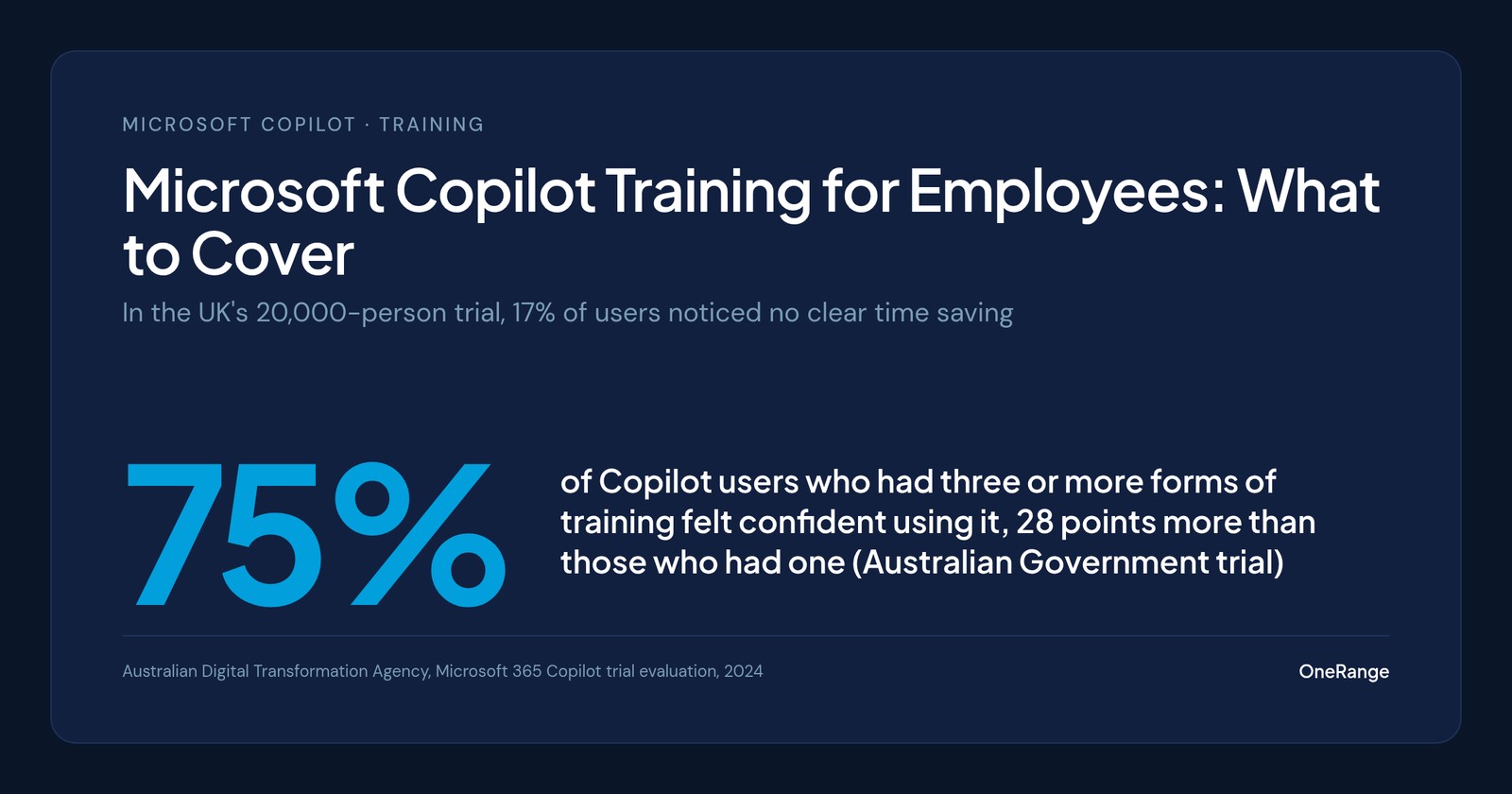
- 75% — Confident using Copilot after three or more forms of training, 28 points more than after one (Australian Digital Transformation Agency, 2024)
- 22% — Users who identified a hallucination during the pilot (UK Department for Business and Trade, 2025)
The UK's cross-government trial gave Microsoft 365 Copilot to 20,000 civil servants from September 30 to December 31, 2024. Users reported saving an average of 26 minutes a day. More than a third saved over half an hour, and 17% noticed no clear saving at all. The report's conclusion was blunt: "training was essential to achieve benefits of the tool." The professions and departments with the lowest familiarity and confidence in AI tools saw lower benefits.
The Department for Business and Trade ran its own pilot with 1,000 licences and published a more cautious evaluation. Satisfaction was high, at 72%. But only around 64% of licence holders used Copilot at least once a week, and around 30% used it each working day. The evaluators wrote: "We did not find robust evidence to suggest that time savings are leading to improved productivity," while noting that productivity was not a key aim of the study. On training, people who did at least two hours of self-led learning were significantly more satisfied. Departmental and Microsoft sessions "were often viewed as introductory or high-level, and less relevant to pilot participant's roles."
Australia's whole-of-government trial distributed more than 5,765 licences between January and June 2024. Its evaluation found that 75% of participants who received three or more forms of training were confident in their ability to use Copilot, 28 percentage points higher than those who received one form. Training worked best when it was tailored to the agency's own context. The same evaluation found that 61% of managers in its pulse survey could not confidently identify Copilot outputs, and that up to 7% of participants said Copilot added time to their work.
Put the three together and the pattern is consistent. The time savings are real but uneven. They go to the people who are confident with the tool. And an introductory session is not what builds that confidence.
Where Copilot gets used, and where it does not
Left alone, people use Copilot in Teams and little else
- Copilot in any app: 83
- Copilot in Teams: 71
- Copilot in PowerPoint: 24
- Copilot in Excel: 23
Peak adoption rate during the trial, October to December 2024. Source: UK Government Digital Service, Microsoft 365 Copilot Experiment: Cross-Government Findings Report
In the UK trial, Copilot in Teams peaked at 71% adoption. Excel and PowerPoint never got past 23% and 24%. Without guidance, most people find the meeting recap and stop there.
The Department for Business and Trade measured time saved by task, adjusted for outputs that were never used. Drafting written documents saved the most, at 1.3 hours per task, followed by summarising research at 0.8 hours and summarising meetings at 0.7. Scheduling and generating images took longer with Copilot than without it. Good training points people at the tasks that pay off and is honest about the ones that do not.
What to cover: seven modules
| Module | What to teach | Why it matters |
|---|---|---|
| 1. What Copilot is and what it can see | Where Copilot appears across Microsoft 365, and that it works from the files, email, and meetings a person can already open | Australia's evaluation warned that Copilot may magnify poor data security and information management practices |
| 2. Briefing Copilot | How to state the goal, the context, the source files, and the format you want, and how to refine a first answer | UK users said there was a learning curve and that they needed to learn how to prompt effectively |
| 3. The high-payoff tasks in each app | Meeting recaps in Teams, first drafts in Word, summaries in Outlook, analysis in Excel, and what to skip | UK adoption peaked at 71% in Teams and 23% in Excel. Drafting saved the most time in the DBT pilot |
| 4. Checking the output | How to verify facts, figures, and citations against the source, and that the sender owns what they send | 22% of DBT pilot users identified a hallucination. The UK trial found human oversight was required at all times |
| 5. Data, policy, and disclosure | What must not go into Copilot, when to say AI was used, and who is accountable for the result | Australia's evaluation found uncertainty about disclosing Copilot use and accountability for its outputs |
| 6. Role-specific workflows | Two or three real workflows for each job family, practiced on the person's own kind of work | Generic sessions were seen as introductory and less relevant to roles. Tailored training worked best |
| 7. Agents | When an agent is the right tool, how to scope one, how to test it against its sources, and how to review what it does | Microsoft says automated tasks in Copilot have nearly doubled since July 2026 |
Modules 2, 4, and 5 are not really about Copilot. They are the Description, Discernment, and Diligence skills that make up AI fluency, and they carry over to every other AI tool your people will use. Module 4 is the one most launch plans leave out. We covered what happens when it is missing in our post on AI workslop.
Six steps to run it
- Baseline before you assign licences. The UK trial found that the groups with the lowest familiarity and confidence in AI got the least out of Copilot. A short assessment tells you who needs the basics first. Our free AI fluency assessment is one way to get that baseline
- Train in more than one format. In the Australian trial, confidence was 28 points higher among people who had three or more forms of training than among those who had one. Combine a live kickoff, self-paced practice, and examples shared inside each team
- Protect practice time. In the DBT pilot, at least two hours of self-led training was linked to significantly higher satisfaction. Microsoft's study of 1,300 early Copilot users found it took 11 weeks of use before most said it improved their output, enjoyment of work, and work-life balance, and cut their meeting load. Put the time on calendars
- Make it role-specific early. A recurring view in the DBT pilot was that formal sessions were introductory and not relevant enough to the role. After the shared basics, give each job family two or three workflows built on its own documents and tasks
- Train managers to model and to review. In Microsoft's 2026 Work Trend Index, the group Microsoft calls Frontier Professionals, its most advanced AI users, were more likely to say their manager openly uses AI (85% vs 64%) and sets quality standards for AI work (83% vs 57%). In Australia, 61% of managers could not confidently identify Copilot outputs. Managers need the checking skills before their teams do
- Measure skill and task results, not licence activity. The DBT pilot had satisfied users and no robust evidence of higher productivity. Pick three tasks per team, record how long they take now, and check again after training. Reassess skills at the same time
These trials ran in 2024, on earlier versions of Copilot, and the product has changed a great deal since. The findings about people are the ones that carry over: confidence, relevance to the role, and checking the output.
How Vero by OneRange helps
Vero is interactive AI training. Each employee works through a conversation that explains, works an example, checks understanding, and adapts the next step to the answer given. Someone who already knows a topic moves through it in minutes.
- Ready-made Microsoft Copilot training for employees: 18 courses, from a 30-minute introduction for first-time users to Copilot Studio agents
- Microsoft Copilot: Essentials covers Copilot in Word and Outlook, Excel and PowerPoint, and Teams. Focused playbooks cover research and data analysis, and an advanced course covers multi-step workflows and automation
- Skill assessments that place each person at Beginner, Intermediate, Advanced, or Expert, using Multiple Choice and Open Answer questions
- A custom company layer that brings your own AI policy, tools, and examples into the training
- Workforce Results for managers, so you can see who can do what, not who clicked finish
- AI fundamentals training for the skills that apply to every AI tool, and AI agents training for the teams that need it
Training will not make every Copilot licence pay for itself. It will tell you who is ready to use it well, and it gives everyone else a way to get there.
See Microsoft Copilot training in Vero
Sources
- Microsoft, Fiscal Year 2027 First Quarter Earnings Conference Call (Oct 28, 2026) — https://www.microsoft.com/en-us/investor/events/fy-2027/earnings-fy-2027-q1
- Microsoft, Fiscal Year 2026 Fourth Quarter Earnings Conference Call (Jul 29, 2026) — https://www.microsoft.com/en-us/investor/events/fy-2026/earnings-fy-2026-q4
- Microsoft, Microsoft empowers more than 330,000 Volkswagen Group employees with Copilot (Oct 21, 2026) — https://news.microsoft.com/source/2026/10/21/microsoft-empowers-more-than-330000-volkswagen-group-employees-with-copilot/
- UK Government Digital Service, Microsoft 365 Copilot Experiment: Cross-Government Findings Report (Jun 2, 2025) — https://www.gov.uk/government/publications/microsoft-365-copilot-experiment-cross-government-findings-report/microsoft-365-copilot-experiment-cross-government-findings-report-html
- UK Department for Business and Trade, Microsoft 365 Copilot pilot: DBT evaluation report (Aug 28, 2025) — https://www.gov.uk/government/publications/microsoft-365-copilot-pilot-dbt-evaluation-report
- Australian Digital Transformation Agency, Evaluation of the whole-of-government trial of Microsoft 365 Copilot (2024) — https://www.digital.gov.au/initiatives/copilot-trial
- Microsoft WorkLab, AI Data Drop: The 11-by-11 Tipping Point (Mar 19, 2024) — https://www.microsoft.com/en-us/worklab/ai-data-drop-the-11-by-11-tipping-point
- Microsoft, 2026 Work Trend Index Annual Report (2026) — https://assets-c4akfrf5b4d3f4b7.z01.azurefd.net/assets/2026/05/2026_Work_Trend_Index_Annual_Report_070726_6a4e59bd9c9c3.pdf
Tags: AI, AI Fluency, Microsoft Copilot, Learning & Development
FAQ
Frequently asked questions
What should Microsoft Copilot training for employees cover?
Seven things: what Copilot is and what it can see, how to brief it, the tasks in each app that save the most time, how to check its output, your data and disclosure rules, two or three workflows for each role, and when to use agents. Government trials in the UK and Australia point to the same gaps: prompting, relevant use cases, and checking output.
How long does Copilot training take?
Plan for weeks of short practice, not one session. In the UK Department for Business and Trade pilot, people who did at least two hours of self-led training were significantly more satisfied with Copilot. Microsoft's own study of 1,300 early users found it took 11 weeks of use before most said Copilot improved their work.
Does training actually change Copilot results?
The published evidence says yes. In the Australian Government trial, 75% of participants who had three or more forms of training were confident using Copilot, 28 points higher than those who had one form. The UK cross-government trial concluded that training was essential to achieve the benefits of the tool.
Is Microsoft's free Copilot training enough?
It is a good starting point for the basics. The limit is relevance. In the UK Department for Business and Trade pilot, departmental and Microsoft training sessions were often viewed as introductory or high-level, and less relevant to people's roles. Most companies need to add role-specific practice and their own policy on top.
How much time does Microsoft 365 Copilot save?
In the UK cross-government trial of 20,000 civil servants, users reported saving an average of 26 minutes a day, and 17% noticed no clear saving. The figures are self-reported. A separate UK department pilot found time savings on drafting and summarising but no robust evidence that they led to higher productivity.
Do employees need training on Copilot agents?
If they will build or use agents, yes. Microsoft said in October 2026 that automated tasks in Copilot had nearly doubled since July. An agent takes actions, so people need to know how to scope one, test it against its sources, and review what it does. Start with the basics for everyone and add agent training for the people who need it.
Related
- Microsoft Copilot training — Ready-made Microsoft Copilot training for employees, from the basics to agents.
- AI fluency assessment: 20 questions and a rubric — Score an employee's delegation, description, discernment, and diligence to a proficiency level.
- "Workslop" Is a Training Problem, Not a Tool Problem — Why AI usage mandates produce low-quality work, and how AI fluency training fixes it.