Prompting Is Table Stakes Now. Train for the AI Skills That Come Next
· 8 min read · OneRange Research
Workday: demand for basic AI prompting skills fell 25% since January while hands-on AI skills rose 51%. What that means for your AI training plan.
For most of the past two years, the AI skill everyone was told to learn was prompting. Write a clearer instruction, give the model some context, get a better answer. Companies bought prompt libraries, ran lunch-and-learns, and counted how many people had logged in to ChatGPT or Copilot.
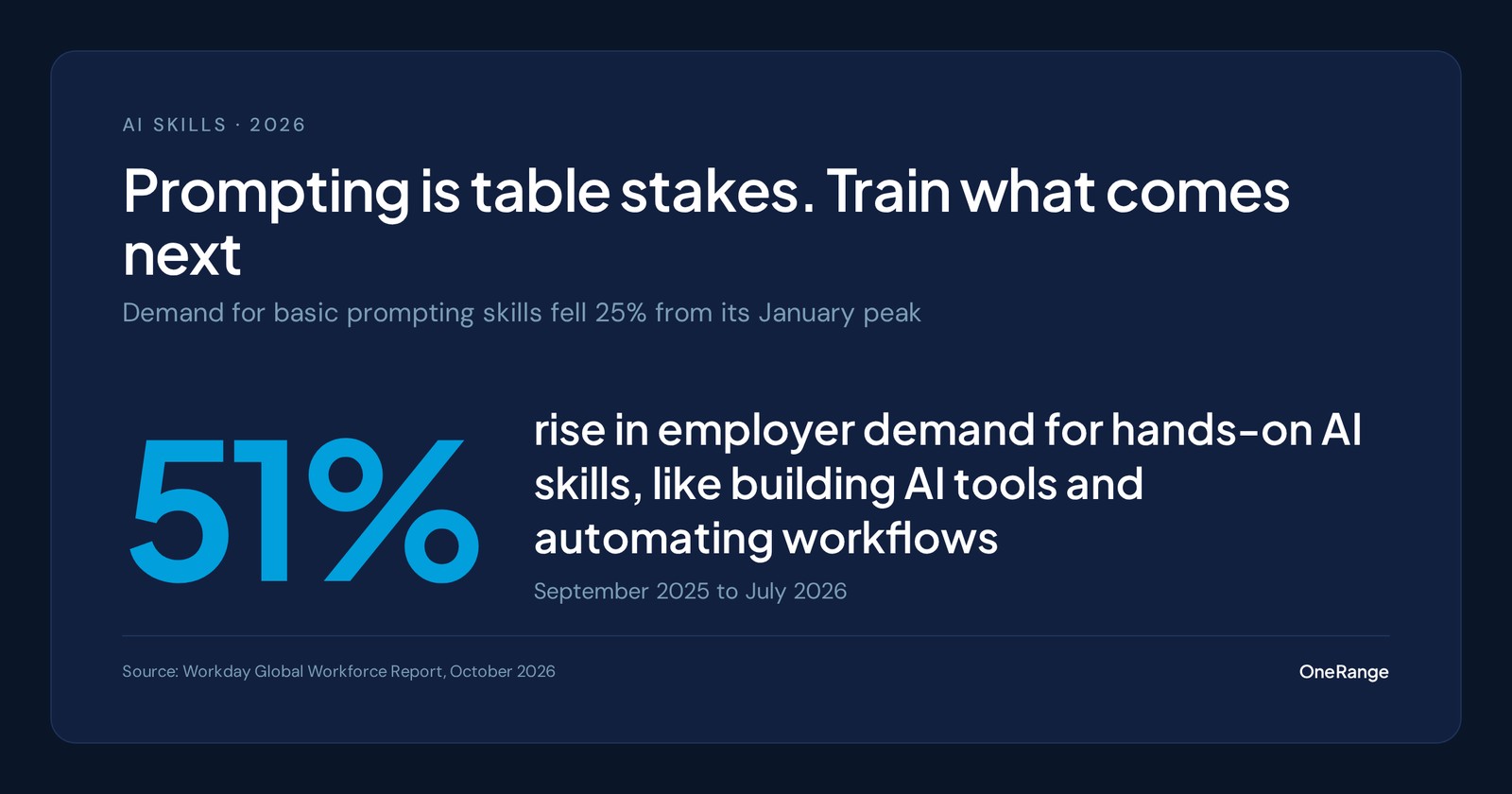
The job market has already moved on. On October 5, Workday published its Global Workforce Report, built on de-identified data from companies that use its HR software, including job postings from about 550 enterprise employers. Demand for basic AI skills, "like simple prompting," rose through late 2025, peaked in January 2026, and then fell 25%. Over the same period, demand for hands-on AI skills, such as building AI tools, automating workflows, and AI engineering, climbed 51%.
That does not mean prompting stopped mattering. It means employers now assume it. The skills that set people apart are the ones that come after it.
What the new data says
- −25% — Drop in demand for basic AI skills like simple prompting since the January 2026 peak (Workday, Oct 2026)
- +51% — Rise in demand for hands-on AI skills, Sept 2025 to July 2026 (Workday, Oct 2026)
- 26% — L&D leaders highly confident they can deliver the AI skills their workforce needs (2U / edX Enterprise, Oct 2026)
- 16% — AI users who use it for automation or process automation (Gallup, Q2 2026)
Workday's survey side tells the same story from the employee's point of view. In September 2026, 79% of workers said they know what skills they need to succeed, but only 66% said their employer actually helps them develop those skills. Among heavy AI users, 62% expect AI to make their current skills less valuable, and 76% expect it to open new career opportunities. People can see where this is going. Many are not getting help to get there.
L&D teams know it too. A 2U and edX Enterprise study released October 8, based on a NewtonX survey of 507 L&D and workforce strategy leaders at organizations with 500 or more employees, found that 83% call AI capabilities an active workforce priority. Only 29% say their company has built mature AI capabilities, and only 26% are highly confident their L&D function can deliver the skills the workforce needs. And 78% say they lack a strong mandate to lead AI upskilling at all.
Why breadth of use is where the value is
Gallup's quarterly workforce panel helps explain why employers are shifting. In its Q2 2026 survey of 22,573 US workers, 51% of AI users said they use it for writing and editing, and 49% for search or research. Only 16% use it for automation or process automation, and 16% for task or project management. Most people have learned one or two tricks.
Yet the productivity payoff grows with every additional way people use AI. Among workers who use it for one or two purposes, 45% report a positive effect on their productivity. Among those who use it for seven or more, 90% do. Automation was also the use case with the highest share of users calling the effect "extremely positive," at 28%.
The more ways people use AI, the more productive they say it makes them
- 1–2 uses: 45
- 3–4 uses: 66
- 5–6 uses: 78
- 7+ uses: 90
Share of US AI users reporting a positive productivity effect, by number of purposes they use AI for. Source: Gallup, Q2 2026
That is the gap employers are now hiring for. Someone who writes good prompts saves a few minutes on an email. Someone who can look at a weekly reporting process, automate the repeatable parts, and check what comes out changes how a whole team works.
The skills that come after prompting
For most companies with 50 to 2,500 people, "hands-on AI skills" does not mean turning account managers into engineers. It means moving each person one step further up a ladder that looks roughly like this.
| Stage | What people can do | Example at work |
|---|---|---|
| Prompting | Brief an AI assistant clearly and get a usable first draft | Draft a customer email or summarize a long document |
| Judging output | Check AI work for accuracy, gaps, and fit before it goes anywhere | Catch an invented figure in an AI-written report before it reaches a client |
| Redesigning a workflow | Break a recurring process into steps and decide which ones AI should handle | Turn a long weekly pipeline review into a quick check of an AI-prepared summary |
| Supervising agents | Set up an assistant or agent with instructions, limits, and review points, then monitor it | Configure an agent to triage inbound requests and route the ones it should not answer |
Judging output is the hinge. It is the skill that makes automation safe, and it is the one most often skipped. We wrote about what happens without it in our post on AI workslop. The top two rungs are where Workday's 51% lives, and where our AI agents training track picks up.
The ladder also maps onto the four competencies in the AI Fluency Framework. Description is prompting. Discernment is judging output. Delegation, deciding what to hand to AI and what to keep, is the core of workflow redesign and agent supervision. Diligence runs through all of it. Our guide to AI fluency covers each in plain language.
Six things to change in your AI training plan
- Stop treating prompting as the finish line. Keep a short foundation module for people who are new to AI, but stop measuring success by how many people completed it. Our prompt engineering training track works as that foundation, not the whole program
- Assess before you assign. Find out who is still at the prompting stage and who is ready for workflows and agents. Our free AI fluency assessment gives each person a level per skill so you can stop sending experienced users through beginner content
- Train on real workflows, by team. Ask each team to name the two or three recurring processes that eat the most time. Make those the practice material. Gallup's data says breadth of use drives the payoff, and breadth comes from applying AI to the work people actually do
- Make judgment a required skill before automation. Nobody should automate a step whose output they cannot evaluate. Pair every workflow or agent module with practice in checking what comes out
- Use your limited hours carefully. SHRM's 2026 benchmarking found a median of eight L&D hours per employee per year, unchanged from 2025, and only 32% of organizations offered AI upskilling beyond basic compliance. Spend those hours on practice matched to each person's level, not on generic introductions
- Get a mandate, and measure it. In the 2U study, AI transformation leaders were 3.9 times as likely to have a strong mandate for AI upskilling and tracked 1.6 times as many measures of learning success. Ask your executive team to own the goal, and report skill levels by team rather than course completions
Moving teams from chat assistants to agents? Our step-by-step guide to how to train employees on AI agents covers what to teach before anyone gives an agent access to real systems.
How Vero by OneRange helps
Vero is interactive AI training. Each employee works through a conversation that adapts to their answers, so they practice on realistic tasks instead of watching a video about them. That makes it a good fit for skills like judging output and redesigning a workflow, which are hard to learn from a lecture.
- Skill assessments that place each person at Beginner, Intermediate, Advanced, or Expert for each AI skill, so you can send people to the right next step instead of the same course
- Multiple Choice and Open Answer questions, with Open Answer graded by AI, so people are assessed on how they reason through a task and not only on recall
- Ready-made catalog tracks that go past the basics, including AI agents training and prompt engineering training, alongside role tracks for sales, marketing, finance, and leadership
- A custom company layer that brings your own tools, policies, and workflows into the training, so people practice on the processes they will actually automate
- Workforce Results that show managers skill levels by team, so you can see who is ready for agents and who still needs the fundamentals
Prompting got your people started. The next level is where the productivity is, and it is a level you can measure.
Sources
- Workday, Global Workforce Report: AI Is Rewriting Jobs More Than It's Cutting Them (Oct 5, 2026) — https://newsroom.workday.com/2026-10-05-Workday-Global-Workforce-Report-AI-Is-Rewriting-Jobs-More-Than-Its-Cutting-Them
- 2U, New 2U Research Finds 83% of Employers Prioritize AI Skills, but Only 29% Have Mature AI Capabilities (Oct 8, 2026) — https://www.prnewswire.com/news-releases/new-2u-research-finds-83-of-employers-prioritize-ai-skills-but-only-29-have-mature-ai-capabilities-302901941.html
- Gallup, Organizational AI Adoption Jumps Six Points (Jul 2026) — https://www.gallup.com/workplace/712736/organizational-adoption-jumps-six-points.aspx
- Gallup, AI and Workplace Productivity: What the Data Show (updated Sep 30, 2026) — https://www.gallup.com/workplace/713063/ai-workplace-productivity.aspx
- SHRM, 2026 Learning and Development Executives Benchmarking: Developing Critical Talent (Aug 2026) — https://www.shrm.org/topics-tools/research/2026-ld-executives-benchmarking--developing-critical-talent
- AI Fluency Framework (Dakan & Feller, with Anthropic) — https://aifluencyframework.org/
Tags: AI, AI Fluency, AI Agents, Learning & Development
FAQ
Frequently asked questions
Is prompt engineering still a valuable skill?
Yes, but it is now a baseline rather than a differentiator. Workday's job-posting data shows employer demand for basic AI skills like simple prompting peaked in January 2026 and then fell 25%. Employees still need to brief AI well. Employers increasingly expect them to go further and use AI to change how work gets done.
What AI skills are employers looking for in 2026?
Workday found demand for hands-on AI skills, such as building AI tools, automating workflows, and AI engineering, rose 51% between September 2025 and July 2026. For most non-technical teams, that means redesigning a workflow around AI, setting up and supervising AI agents, and checking AI output before it reaches a customer or colleague.
Do non-technical employees need to learn to build AI tools?
Not in the engineering sense. Most need to learn to automate a repeatable task with the tools the company already licenses, to set up an assistant or agent with the right instructions and limits, and to know when a process should not be automated. That is closer to process design than to coding.
Why does using AI for more tasks matter?
Gallup found the share of AI users reporting a positive productivity effect rises with the number of ways they use it: 45% of people who use AI for one or two purposes, 90% of those who use it for seven or more. Most workers still use AI mainly for writing and search.
How do you know which employees are ready for advanced AI training?
Assess first. A short AI fluency assessment shows who still needs the fundamentals and who is ready for workflow automation and agents. Training everyone on the same beginner content wastes the time of people who are already past it.
How much time should employees spend on AI training?
SHRM's 2026 benchmarking found organizations held a median of eight L&D hours per employee per year. With that little time, spend it on practice with real work tasks, matched to each person's level, rather than on generic introductory courses.
Related
- AI agents training for teams — Ready-to-assign courses on delegating to agents, reviewing their work, and keeping a human accountable.
- AI fluency assessment: 20 questions and a rubric — Score an employee's delegation, description, discernment, and diligence to a proficiency level.
- Your Employees Already Use AI Agents. Most Were Never Trained. — What to teach before anyone gives an agent access to real systems.